25 Gaming Setup Ideas for a Cool, Comfortable Space
A great gaming setup is about more than just the gear, it is a cool, comfortable space where you can play for hours and truly enjoy it. The right desk, lighting, and organization make all the difference to both performance and comfort. In my own home, dialing in the setup turned a plain corner into a favourite retreat. With smart ergonomics, ambient lighting, and personal style, it becomes a space you love spending time in. Below are twenty five gaming setup ideas, shared with warmth and a few lessons from my own home, along with simple steps to help you bring each one to life.
1. Start With a Solid Desk
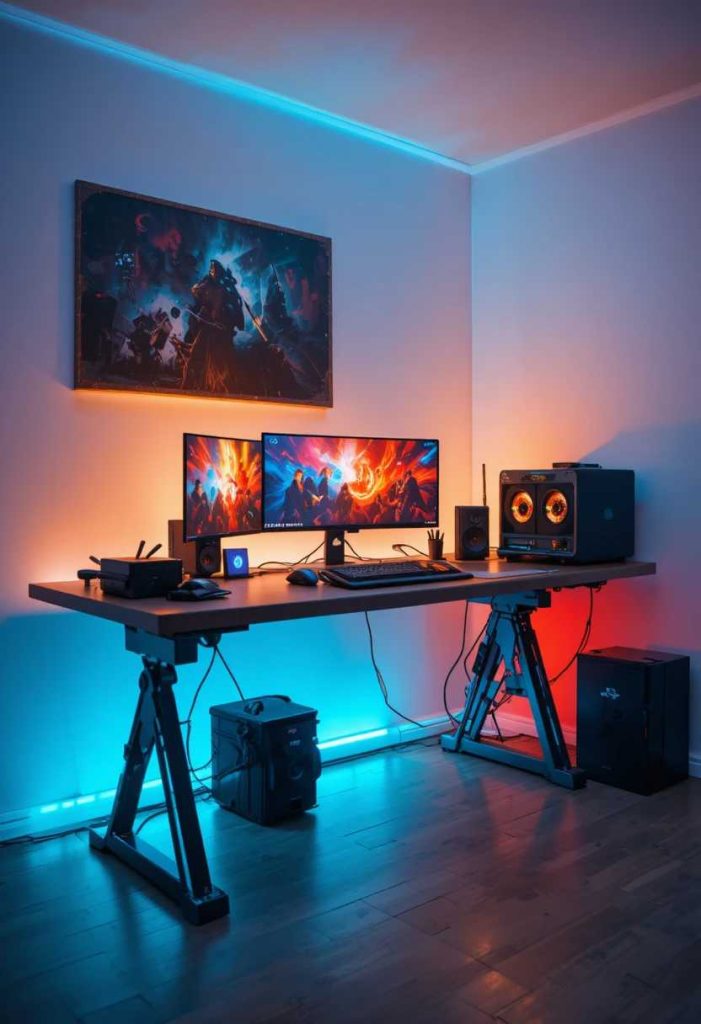
A sturdy, spacious desk is the foundation of a gaming setup. It holds your gear and gives room to play. In my home, upgrading the desk changed everything. It is the loveliest place to begin.
How to do it:
Choose a sturdy desk wide enough for your monitors. Ensure it is a comfortable working height. Pick one with cable management if possible. Leave room for mouse movement. Let it anchor the setup.
2. Add an Ergonomic Chair
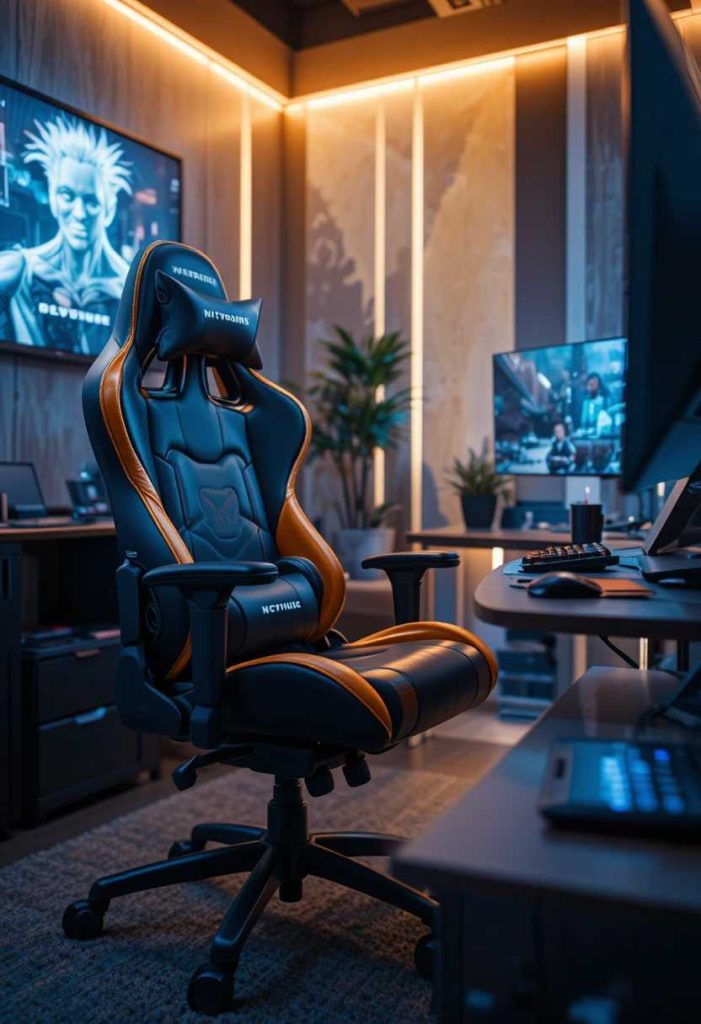
A supportive chair keeps you comfortable through long sessions. It protects your back. Mine made hours of play far comfier. It is an essential, caring choice.
How to do it:
Choose an ergonomic chair with good back support. Adjust the height and armrests to fit you. Add a cushion if needed. Ensure your feet rest flat. Let it keep you comfortable for hours.
3. Add Ambient LED Lighting
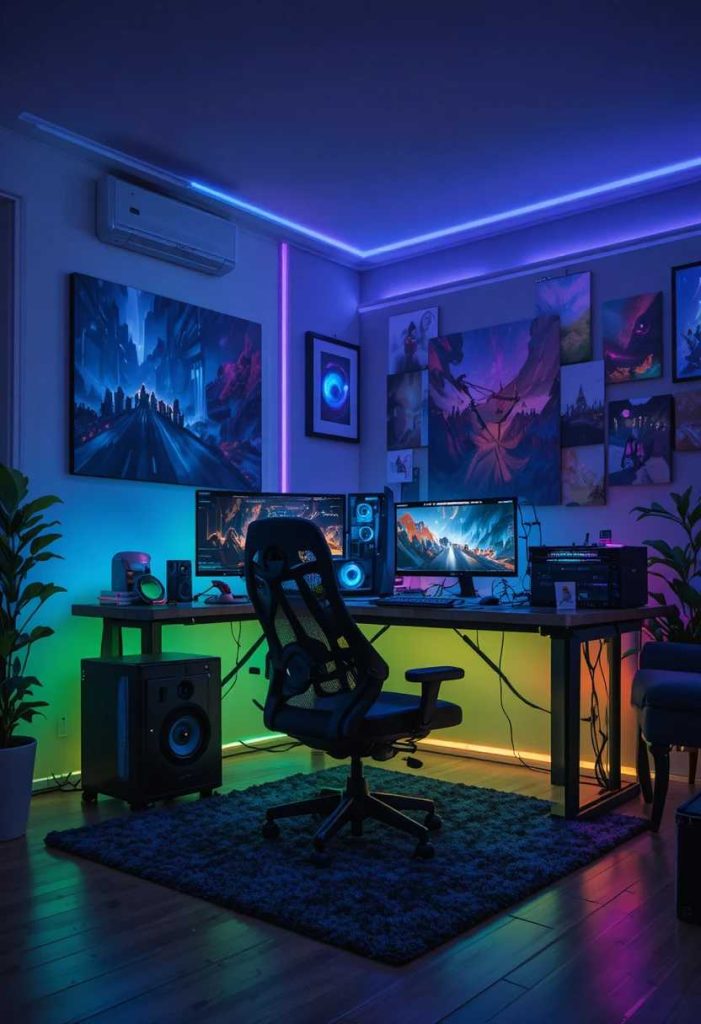
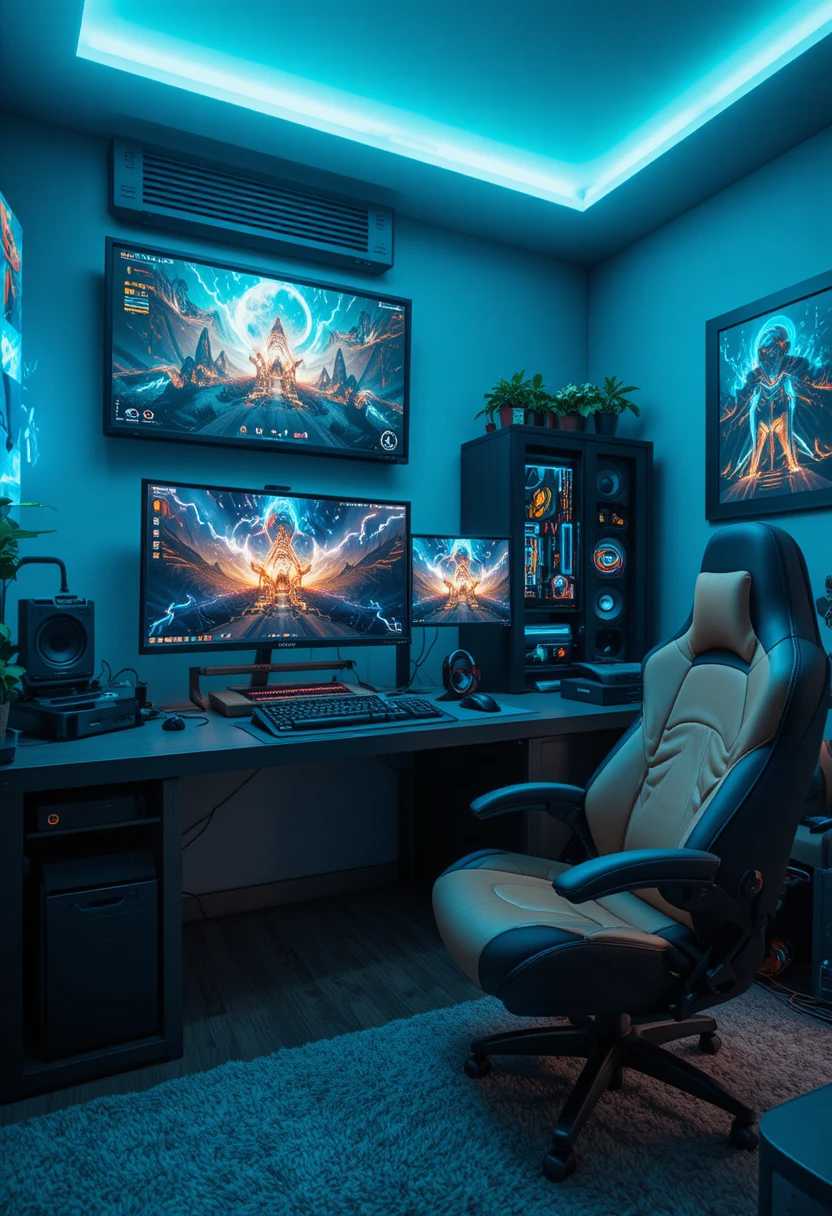
Soft LED lighting sets the mood and reduces eye strain. The glow feels immersive. Mine makes the space feel cool at night. It is a lovely way to add ambiance.
How to do it:
Add LED strips behind the desk or monitor. Choose colour changing or warm white. Set them to a gentle brightness. Route the wiring neatly. Enjoy the immersive, eye-friendly glow.
4. Manage the Cables
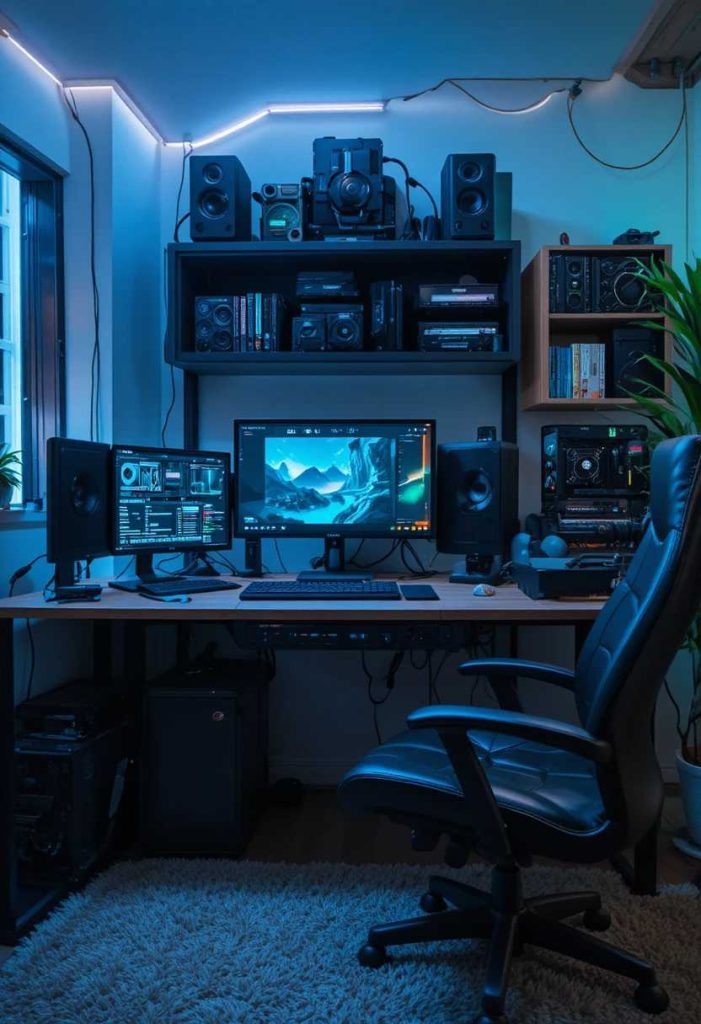
Tidy cable management keeps the setup clean and safe. Hidden cords look professional. Mine banished the tangle. It is a simple, satisfying touch.
How to do it:
Bundle cables with clips and sleeves. Route them behind the desk. Use a cable tray or box for power strips. Label the important ones. Keep the whole setup tidy.
5. Add Dual Monitors
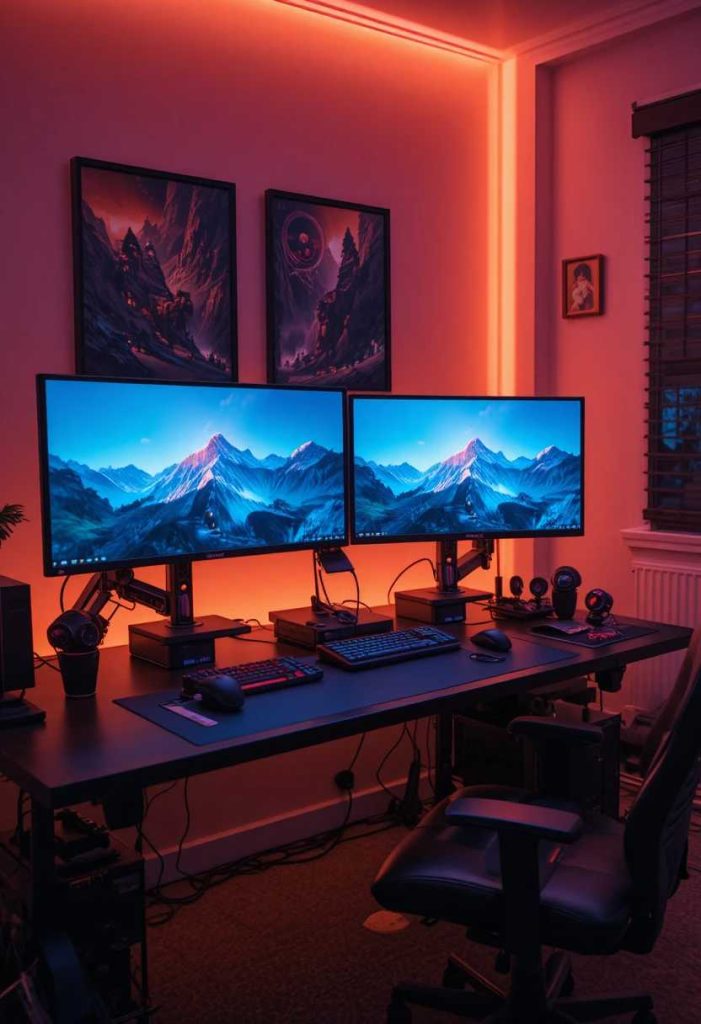
A second monitor boosts function for gaming and multitasking. It feels immersive and productive. Mine doubled my screen space. It is a smart way to add function.
How to do it:
Add a second monitor beside your main one. Use a monitor arm to save desk space. Align the heights for comfort. Angle them slightly toward you. Enjoy the boosted screen space.
6. Add a Monitor Arm
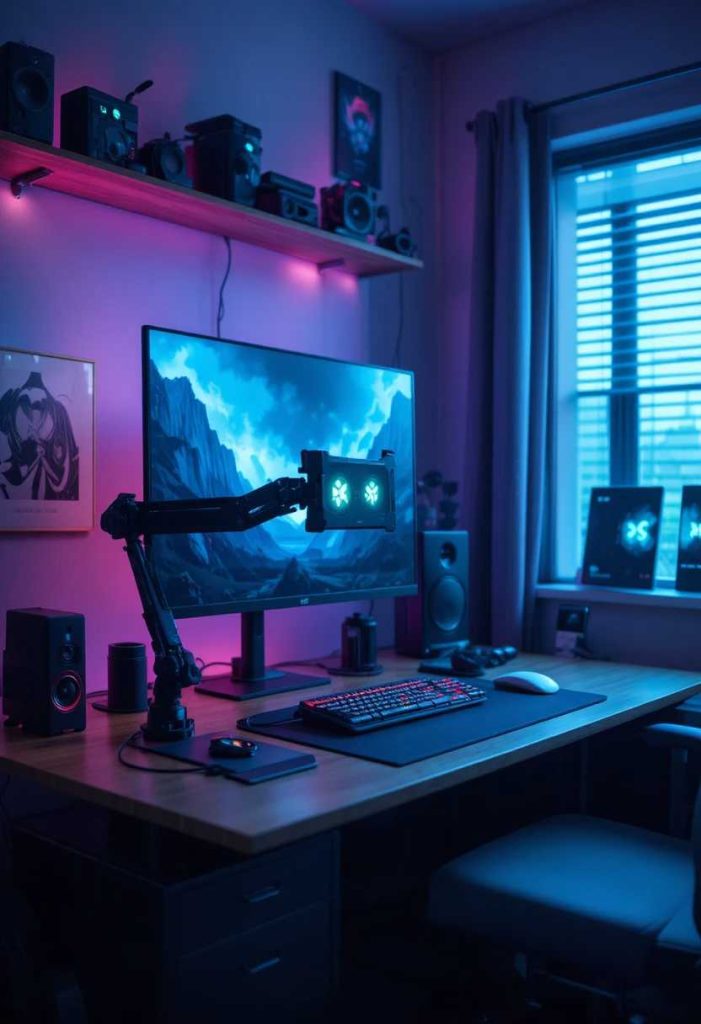
A monitor arm frees desk space and improves posture. It positions the screen just right. Mine cleared the clutter beneath. It is a smart way to add function.
How to do it:
Mount your monitor on an adjustable arm. Clamp it securely to the desk. Position the screen at eye level. Free up the space beneath. Let it improve posture and tidiness.
7. Add a Comfortable Headset Stand
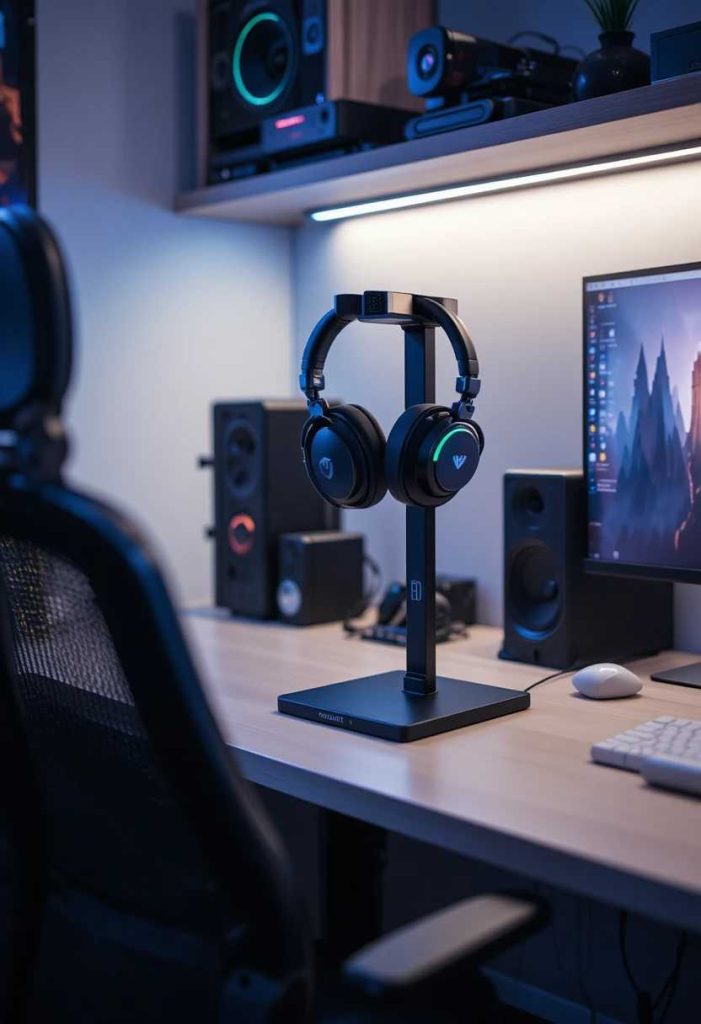
A dedicated stand keeps your headset handy and tidy. It adds function and style. Mine keeps the desk neat. It is a practical, lovely touch.
How to do it:
Add a headset stand on the desk. Choose one that suits your style. Keep it within easy reach. Some include USB hubs too. Let it keep the headset tidy.
8. Add a Large Desk Mat
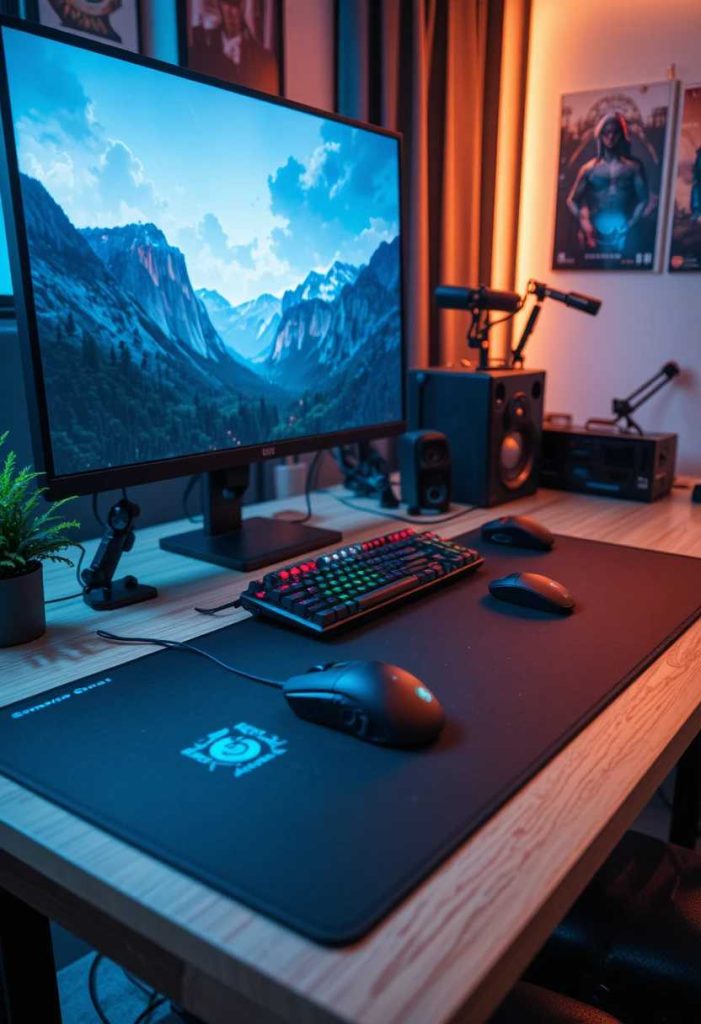
A big mat protects the desk and smooths mouse movement. It ties the setup together. Mine adds a sleek finish. It is a lovely way to add style.
How to do it:
Add a large desk mat across the surface. Choose one that fits your keyboard and mouse. Pick a colour that suits your setup. Keep it clean. Let it add a sleek, functional finish.
9. Add Personal Decor
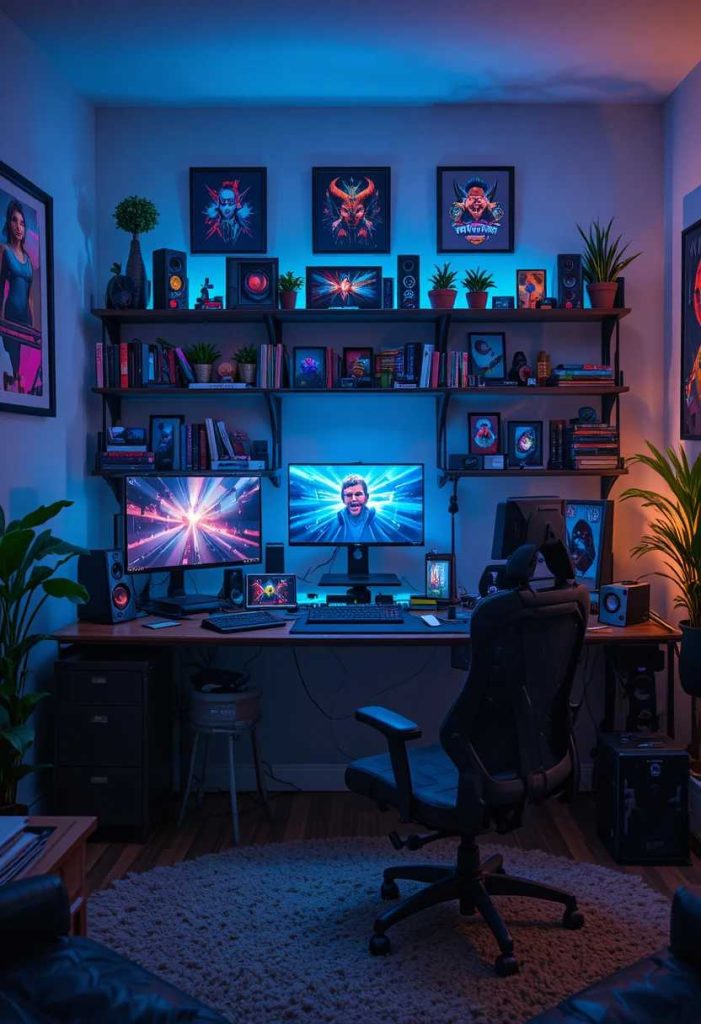
Figures, posters, and collectibles make the space yours. They add personality. Mine display my favourites proudly. It is a lovely way to add character.
How to do it:
Add figures, posters, or collectibles you love. Display them on shelves or the desk. Keep the display balanced. Let them reflect your interests. Let the space feel personal.
10. Add a Cozy Rug
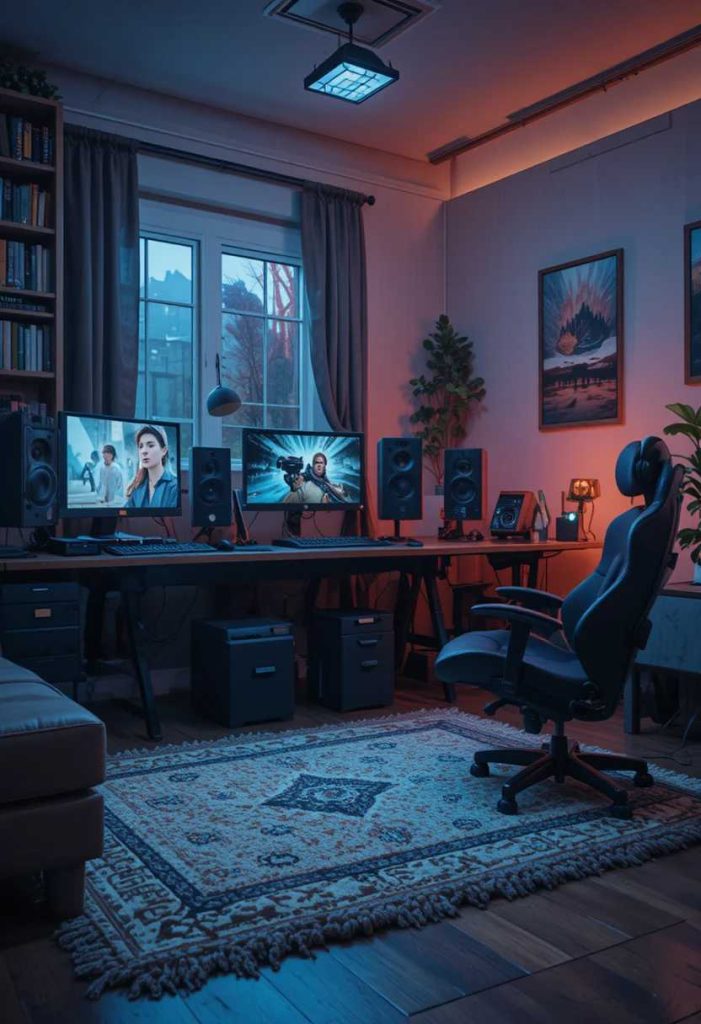
A soft rug warms the floor and defines the zone. It adds comfort and style. Mine makes the corner cozier. It is a lovely way to add comfort.
How to do it:
Add a soft rug under the desk and chair. Choose a durable, low pile option. Pick a colour that suits your setup. Add a non slip pad. Let it warm and define the zone.
11. Add Smart Storage
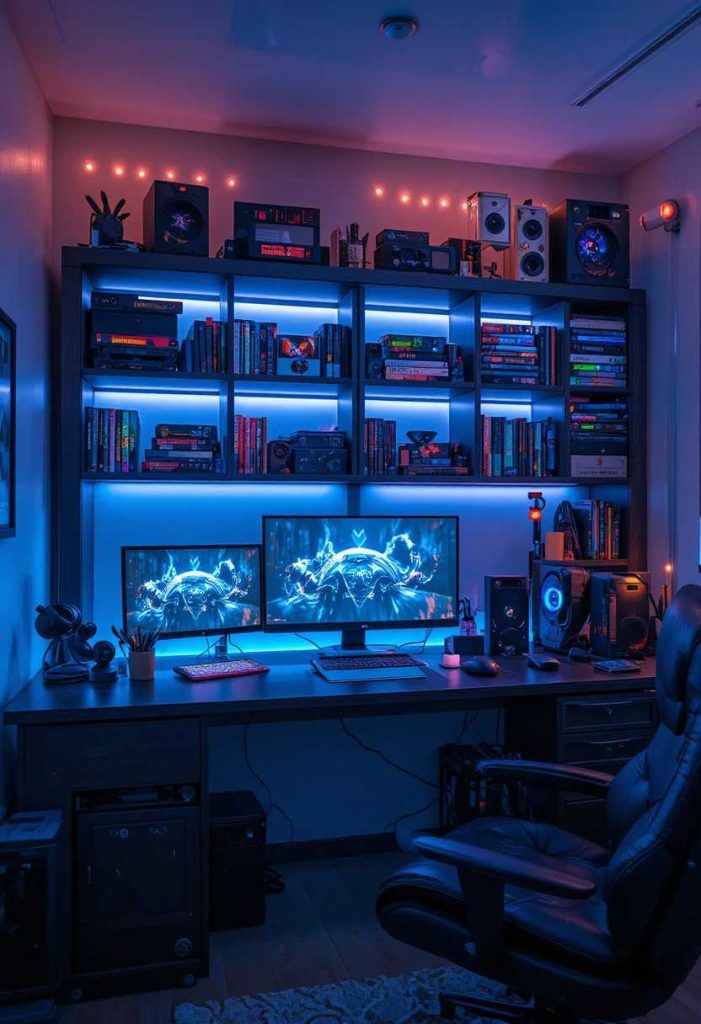
Shelves and drawers keep games and gear tidy. Good storage calms the space. Mine hides the clutter. It is a practical, tidy touch.
How to do it:
Add shelves, drawers, or bins for games and gear. Keep daily items reachable. Store cables and spares away. Choose storage that suits your style. Let it keep the setup tidy.
12. Add Good Task Lighting
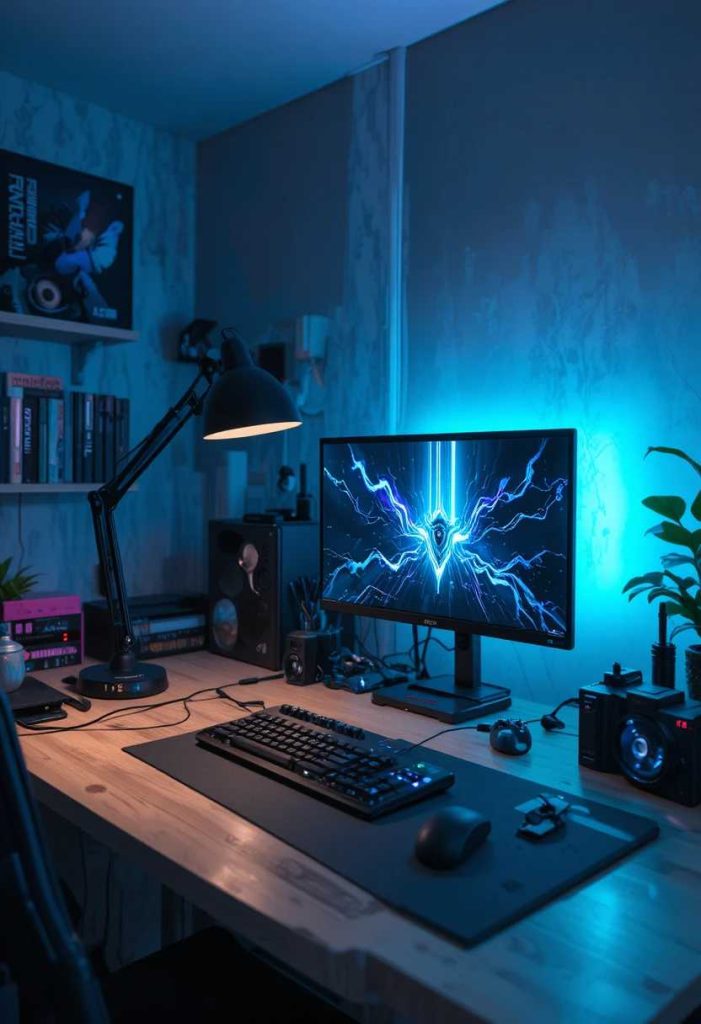
A desk lamp reduces eye strain and lights your space. It suits work and play. Mine keeps the desk bright when needed. It is a lovely way to add function.
How to do it:
Add an adjustable desk lamp. Choose a warm, dimmable bulb. Position it to light the desk, not the screen. Combine it with ambient LEDs. Let it reduce eye strain.
13. Add an Accent Colour
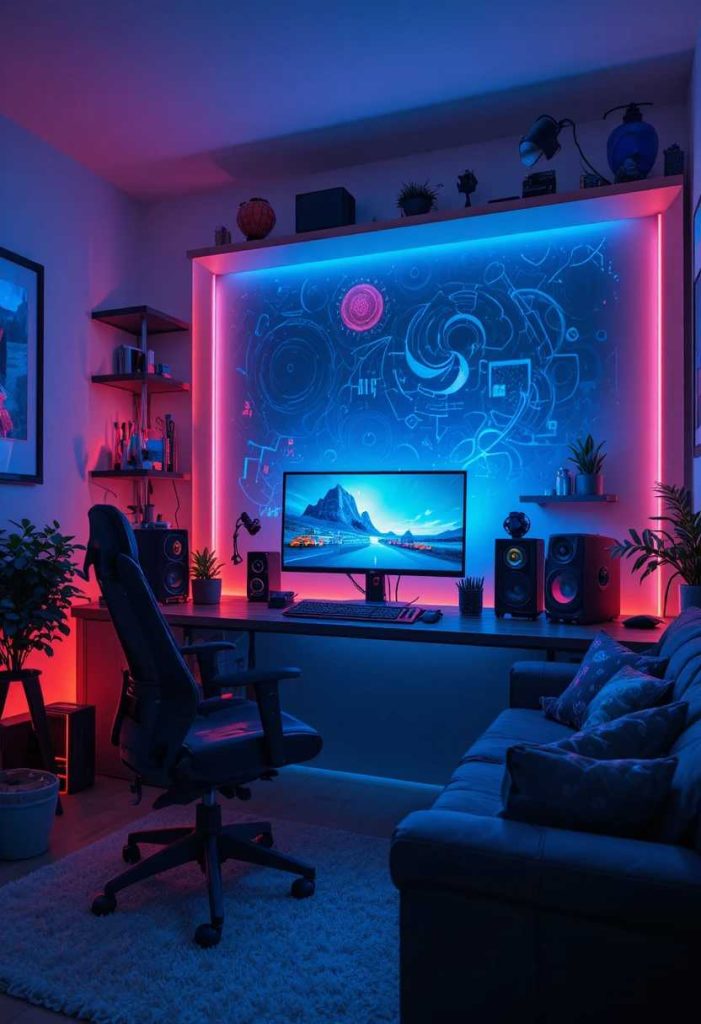
A signature colour ties the setup together stylishly. It adds a cohesive vibe. Mine runs through the LEDs and decor. It is a fun way to add character.
How to do it:
Choose a signature accent colour. Repeat it in LEDs, decor, and accessories. Keep the base neutral. Let the colour tie the setup together. Let it feel cohesive and cool.
14. Add a Comfortable Footrest
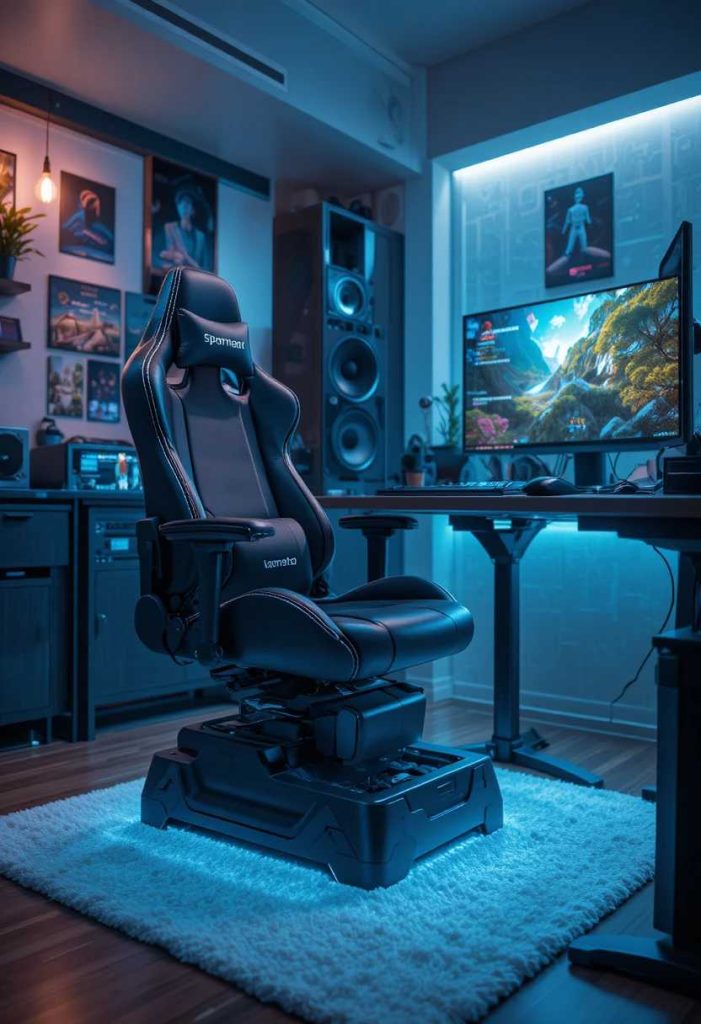
A footrest supports good posture and comfort. It eases long sessions. Mine keeps me comfier. It is a caring, practical touch.
How to do it:
Add a footrest under the desk. Choose an ergonomic, adjustable one. Position it for comfortable leg support. Ensure your posture stays good. Let it ease long sessions.
15. Add Cable-Free Peripherals
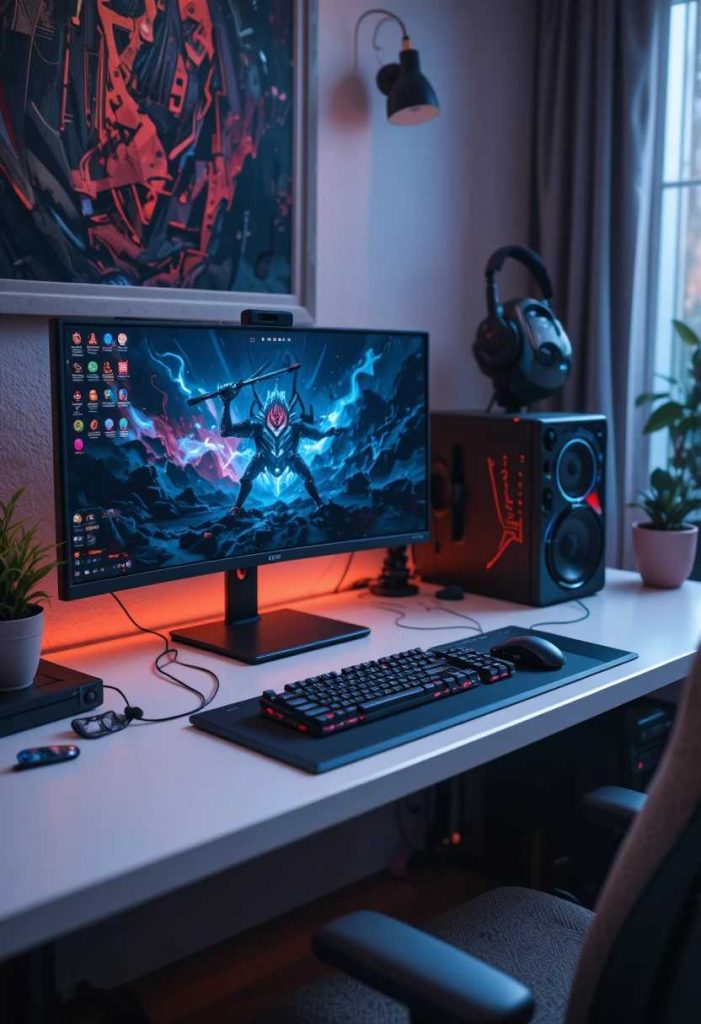
Wireless gear reduces clutter and looks clean. It frees up the desk. Mine feels sleek and tidy. It is a smart way to add function.
How to do it:
Choose wireless keyboard, mouse, and headset. Keep charging cables tidy. Enjoy the reduced clutter. Ensure batteries stay charged. Let the setup feel clean and free.
16. Add a Display Shelf
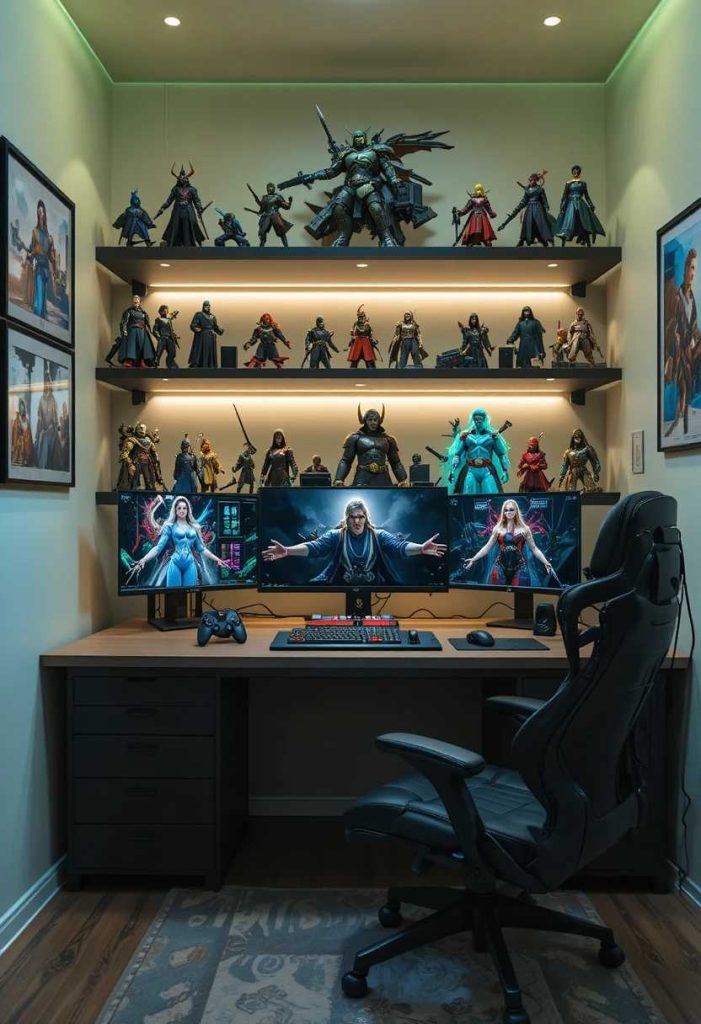
A shelf for games and collectibles adds display and storage. It personalizes the space. Mine shows off my collection. It is a lovely way to add character.
How to do it:
Add a shelf above or beside the desk. Display games, figures, and treasures. Keep it balanced and tidy. Anchor it securely. Let it personalize the setup.
17. Add Acoustic Panels
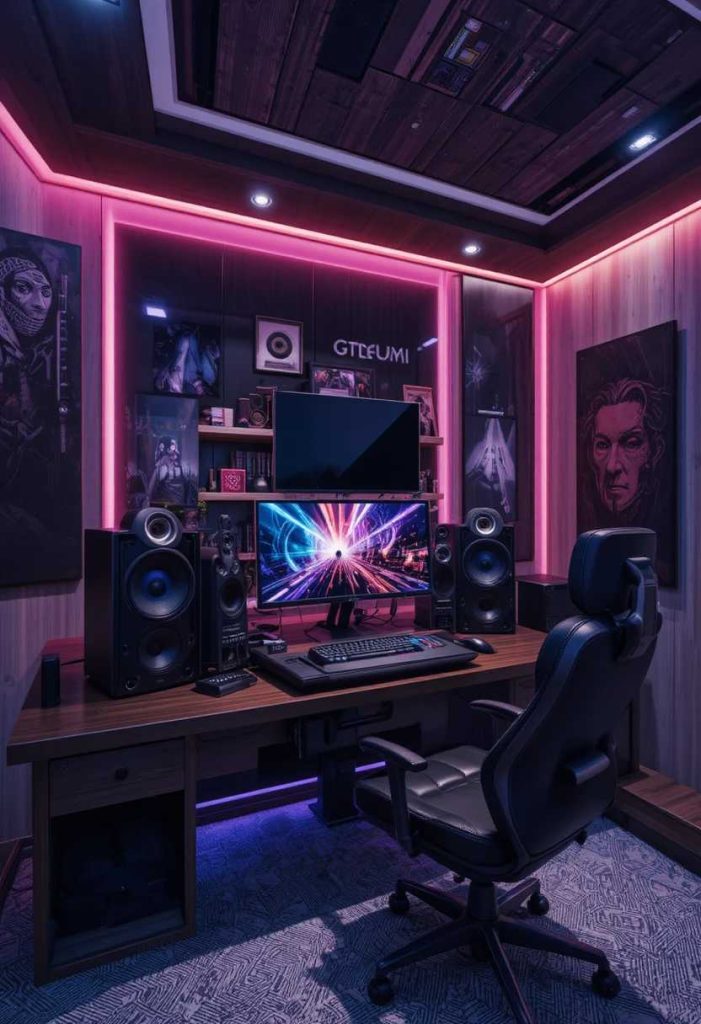
Sound panels improve audio and add a cool look. They reduce echo. Mine sharpened the sound. It is a smart way to add function.
How to do it:
Add acoustic panels to the wall behind or beside you. Choose a colour that suits your setup. Space them for good coverage. Fix them securely. Let them improve the audio.
18. Add a Dual-Purpose Desk
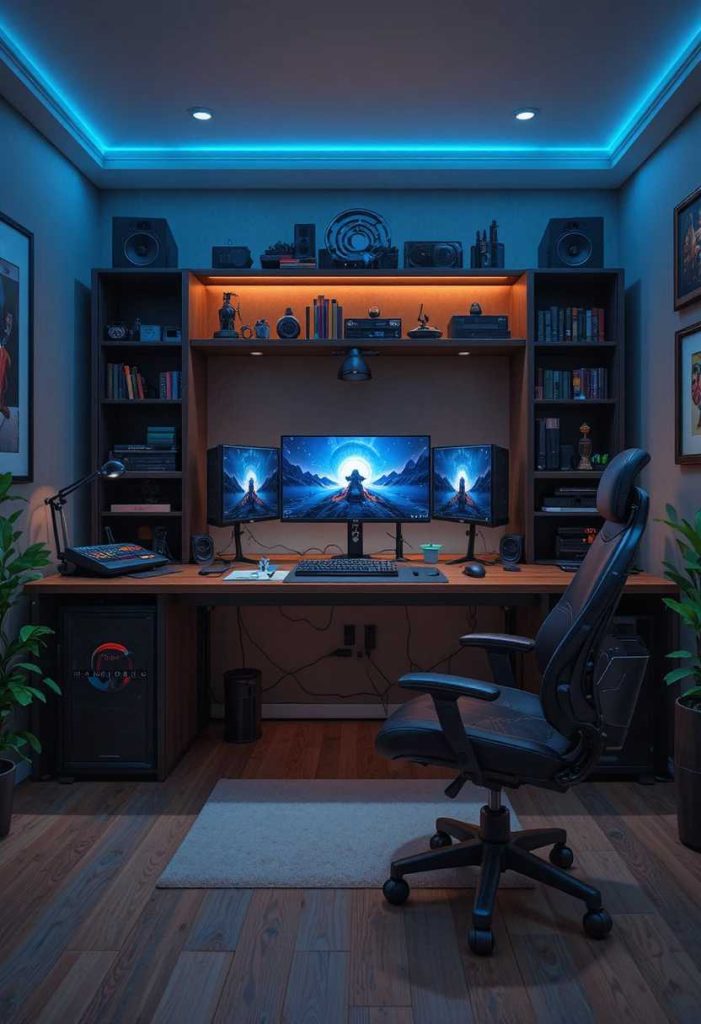
A desk that suits work and play makes the space versatile. It earns its place. Mine handles both easily. It is a smart way to add function.
How to do it:
Choose a desk that works for gaming and tasks. Keep the surface clear and flexible. Add tidy storage for both uses. Ensure comfortable ergonomics. Let it serve both roles.
19. Add a Cozy Blanket or Throw
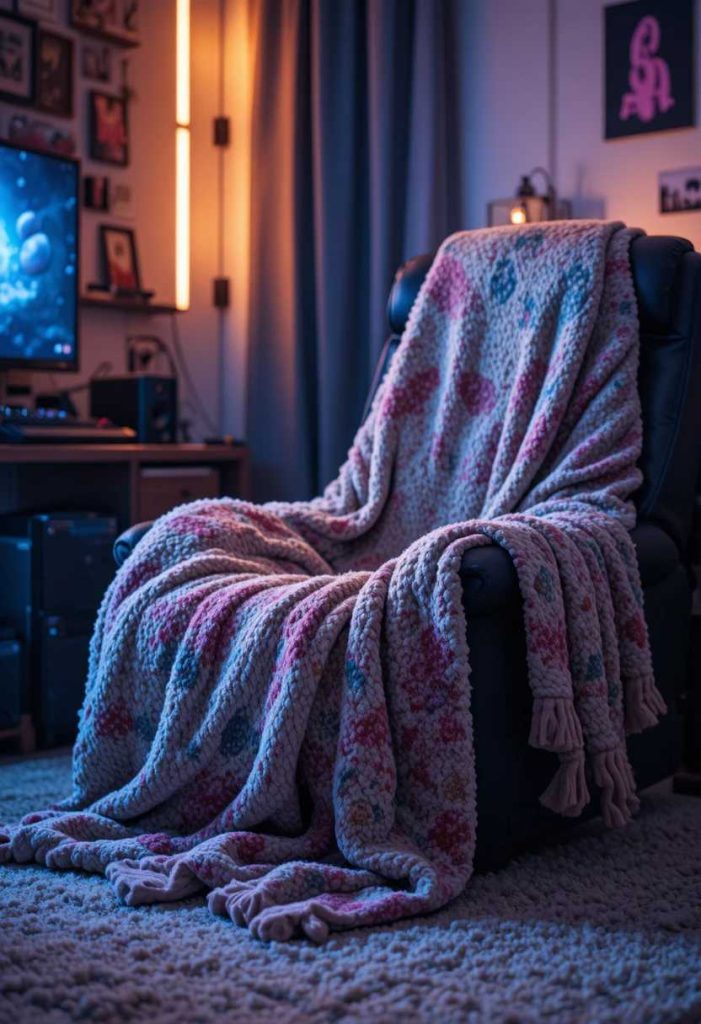
A soft throw adds comfort for long sessions. It makes the space snug. Mine is grabbed on cool evenings. It is a lovely way to add comfort.
How to do it:
Keep a soft throw on or near the chair. Choose a cozy, washable fabric. Pick a colour that suits your setup. Fold it neatly when not in use. Let it add cozy comfort.
20. Add a Backlit Wall
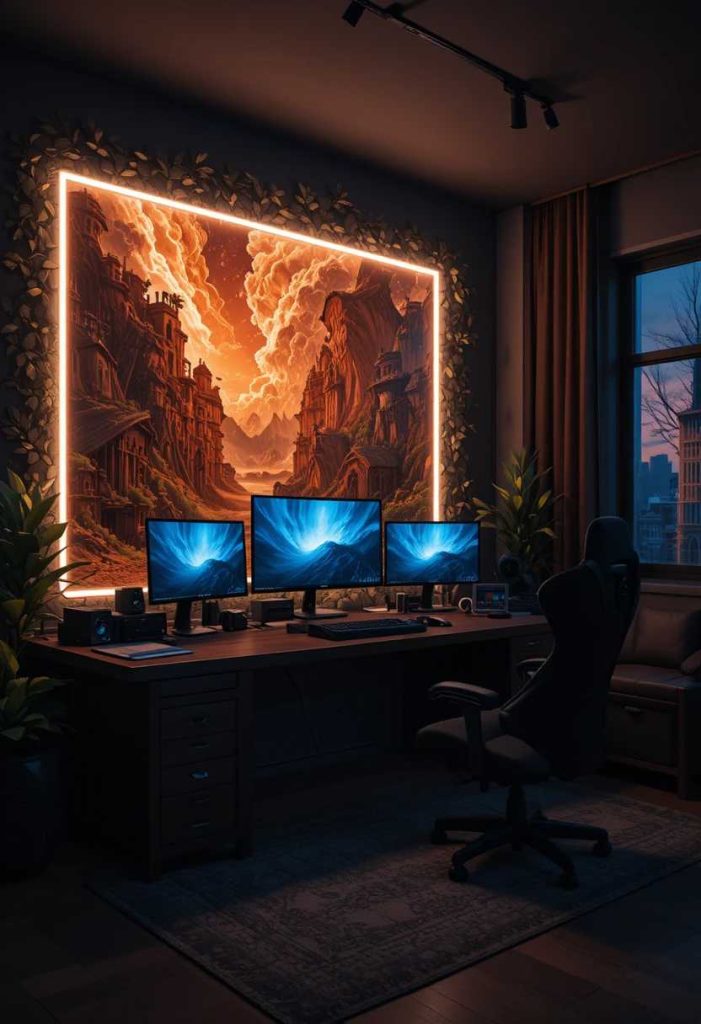
A softly lit wall behind the setup adds drama and depth. The glow feels immersive. Mine makes the space pop. It is a lovely way to add ambiance.
How to do it:
Add LED backlighting or a lit panel behind the desk. Choose a warm or accent colour. Set it to a gentle glow. Route wiring neatly. Let it add immersive depth.
21. Keep It Clutter-Free
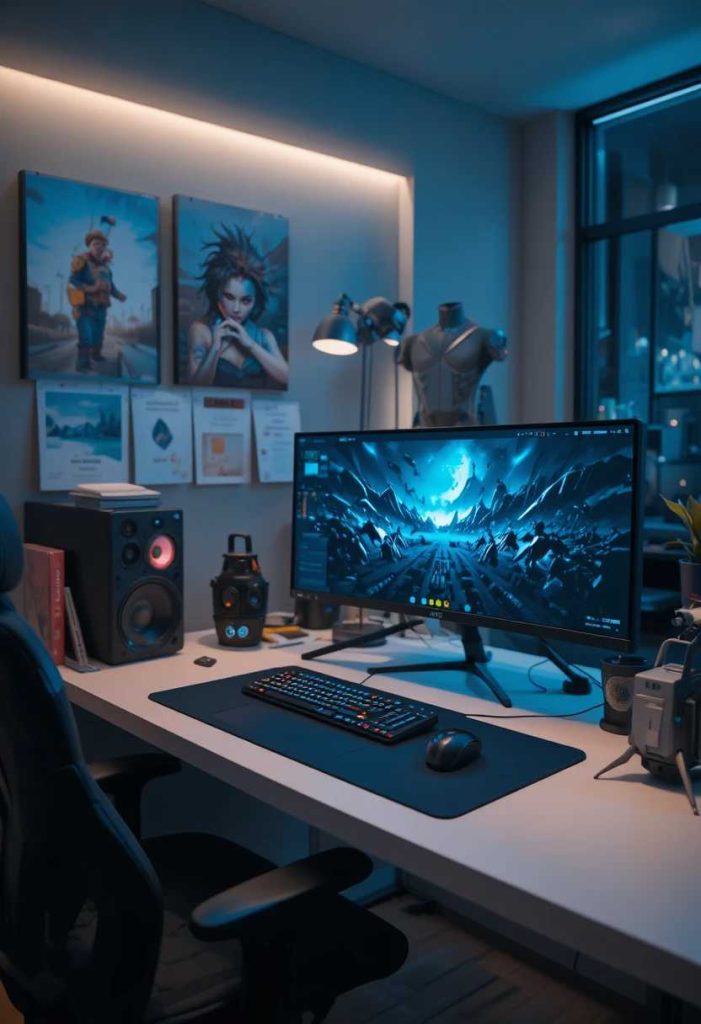
A tidy setup feels calm and looks professional. Clear surfaces help focus. Mine stays neat and ready. It is a simple habit full of ease.
How to do it:
Give every item a home. Keep the desk surface mostly clear. Store spares and cables away. Do a quick tidy after sessions. Let the tidiness aid focus.
22. Add a Comfortable Room Temperature Touch
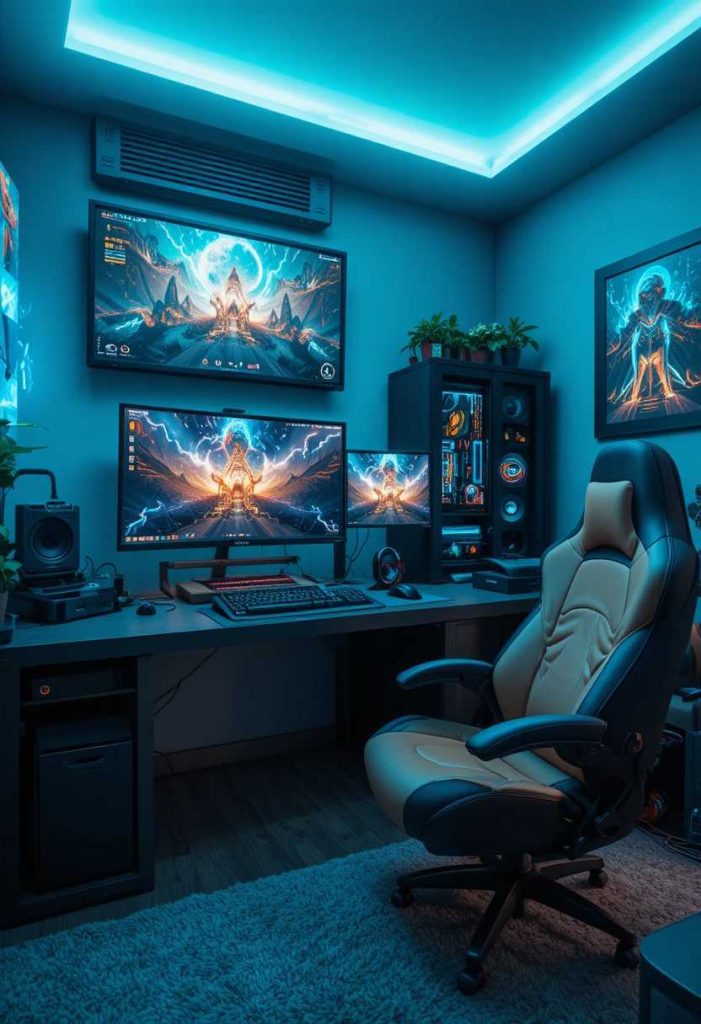
A small fan or cozy touch keeps the space comfortable year round. It suits long sessions. Mine keeps me comfy. It is a practical, thoughtful touch.
How to do it:
Add a small quiet fan or a cozy blanket as needed. Keep the space well ventilated. Ensure comfortable airflow around gear. Adjust for the season. Let it keep you comfortable.
23. Add a Snack and Drink Spot
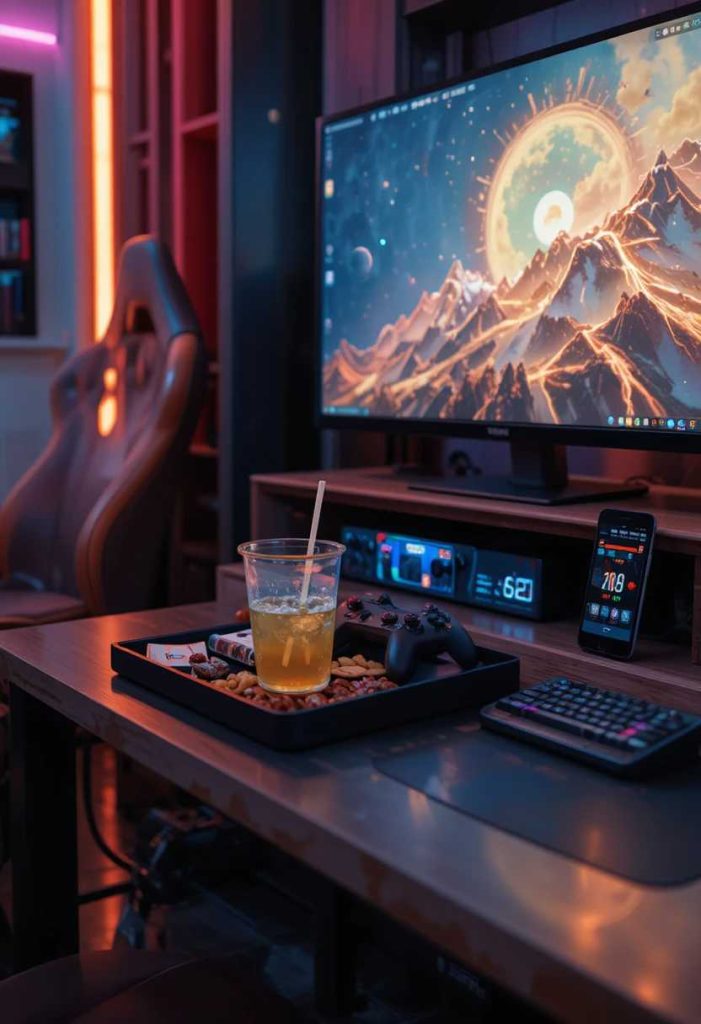
A little tray or holder keeps drinks handy and safe. It adds convenience. Mine keeps spills away from gear. It is a practical, thoughtful touch.
How to do it:
Add a drink holder or small side tray. Keep it away from the gear. Use a spill proof cup. Add a snack bowl if you like. Let it keep refreshments handy and safe.
24. Match It to Your Style
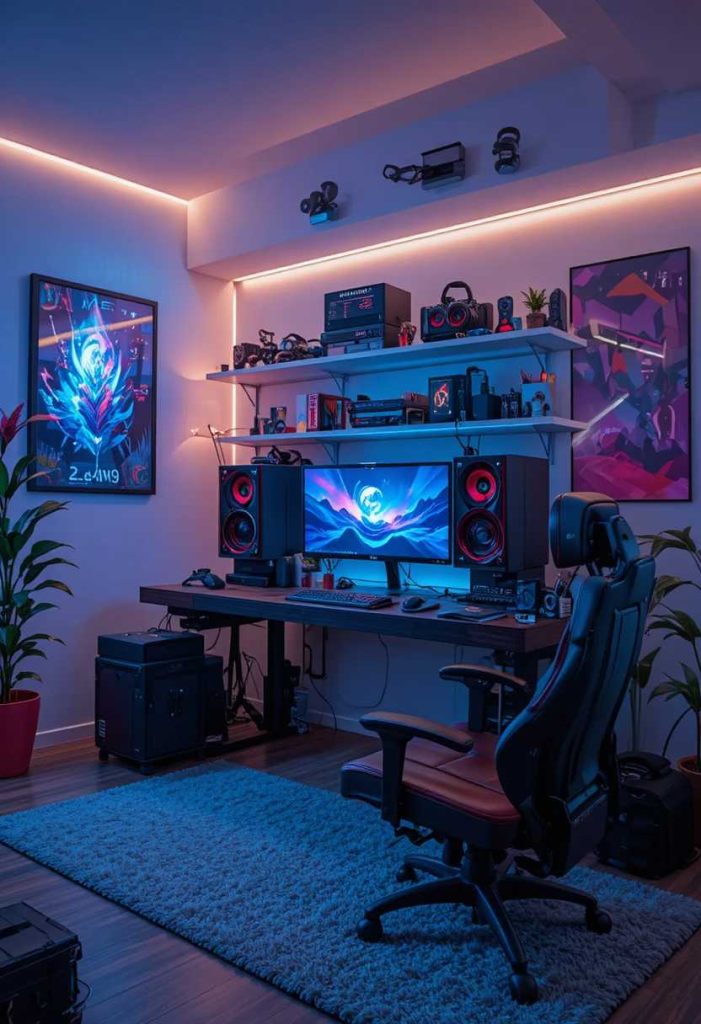
Choosing a cohesive look ties the whole setup together. A considered vibe feels cool. Mine reflects my aesthetic. It is a thoughtful way to style with care.
How to do it:
Choose a cohesive colour and style theme. Match your gear, lighting, and decor. Keep the vibe consistent. Edit anything that clashes. Let the setup feel considered.
25. Make It Cool and Personal
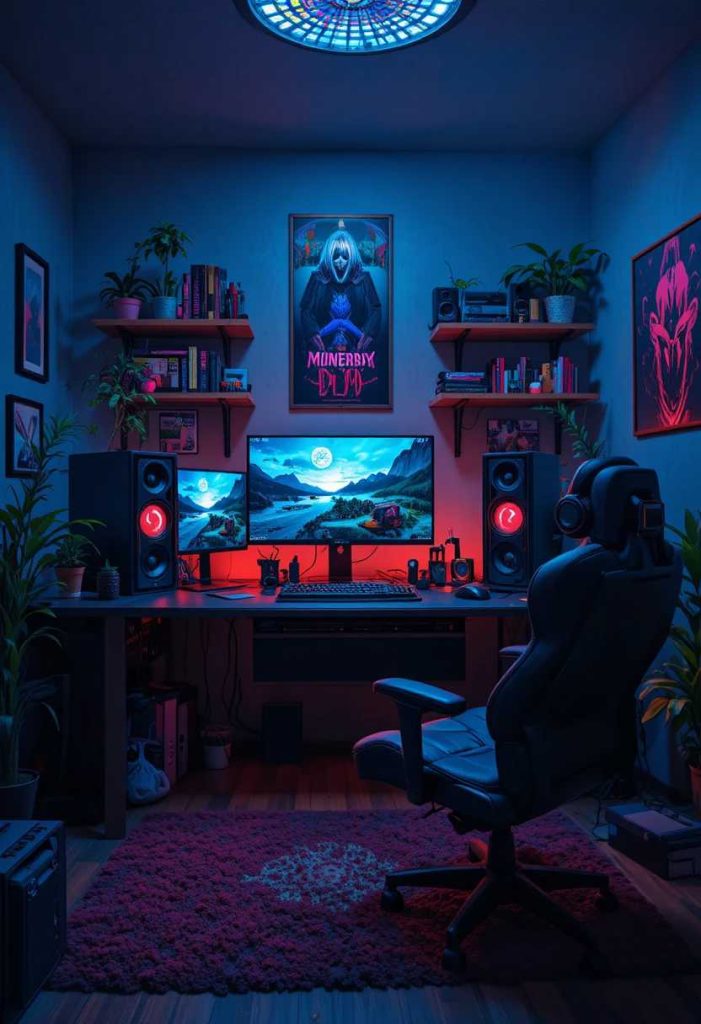
Finally, the best gaming setup feels comfortable and truly yours. Your gear, colours, and personal touches make it special. In my own home, dialing in the details made it a space I love. It is the loving finishing touch that turns a corner into a cool, comfortable retreat you enjoy.
How to do it:
Add personal touches and your favourite gear. Choose colours and decor you love. Keep it comfortable and ergonomic. Let it reflect your style. Above all, make it a space you love to play in.
A Final Gentle Thought
Whichever ideas inspire you most, a great gaming setup is really about comfort, function, and a look you love. Start with a good desk and chair, add ambient lighting and tidy cables, then make it personal. In my own home, a well planned setup made gaming far more enjoyable. May yours always be a cool, comfortable space you love to play in.